Rental car delivery
Skip the trip to the branch.
Choose your car and request delivery to your location during booking. Review the service fee and wait for the branch to confirm the address and handover time.
Your request is confirmed by the branch, not automatically on submission.
Before you book
A little planning. A smoother rental.
Choose a branch and car
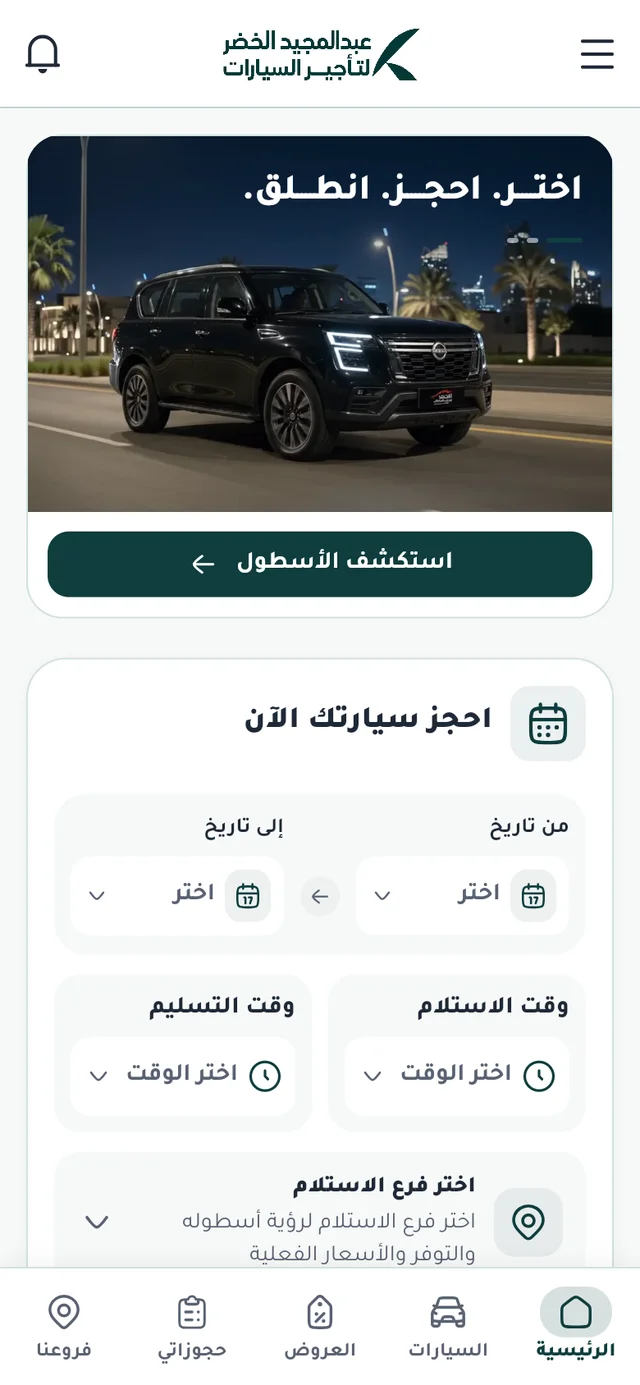
Start with the branch serving your location. Select a car and your rental dates before choosing delivery in the booking form.
Share the handover location
Use the location picker to provide your address. The branch checks the location and delivery arrangements before confirming the request.
Review both directions
Delivery and collection are selected separately. You can request delivery and return the car to the branch, or request collection where available. Review the fee for each selected service.
From browsing to pickup
Three clear steps.
- Choose
Select your branch, car and rental dates.
- Review
Check your details, kilometre allowance and total before submitting.
- Confirm
The branch contacts you to confirm availability and handover.
Questions before booking
Is rental car delivery free?
No. Delivery is a paid service. The fee depends on the branch and is shown during booking before you submit.
Can the car be collected when my rental ends?
You can request collection in the booking form where offered. The branch must confirm the location, timing and service availability.
Does submitting a request guarantee delivery?
No. Delivery depends on the location, service availability and branch approval. Wait for confirmation before making handover plans.
Ready to choose your car?
See the cars and prices for your branch and rental period.